Open the app.
The right contact, from the first tap.
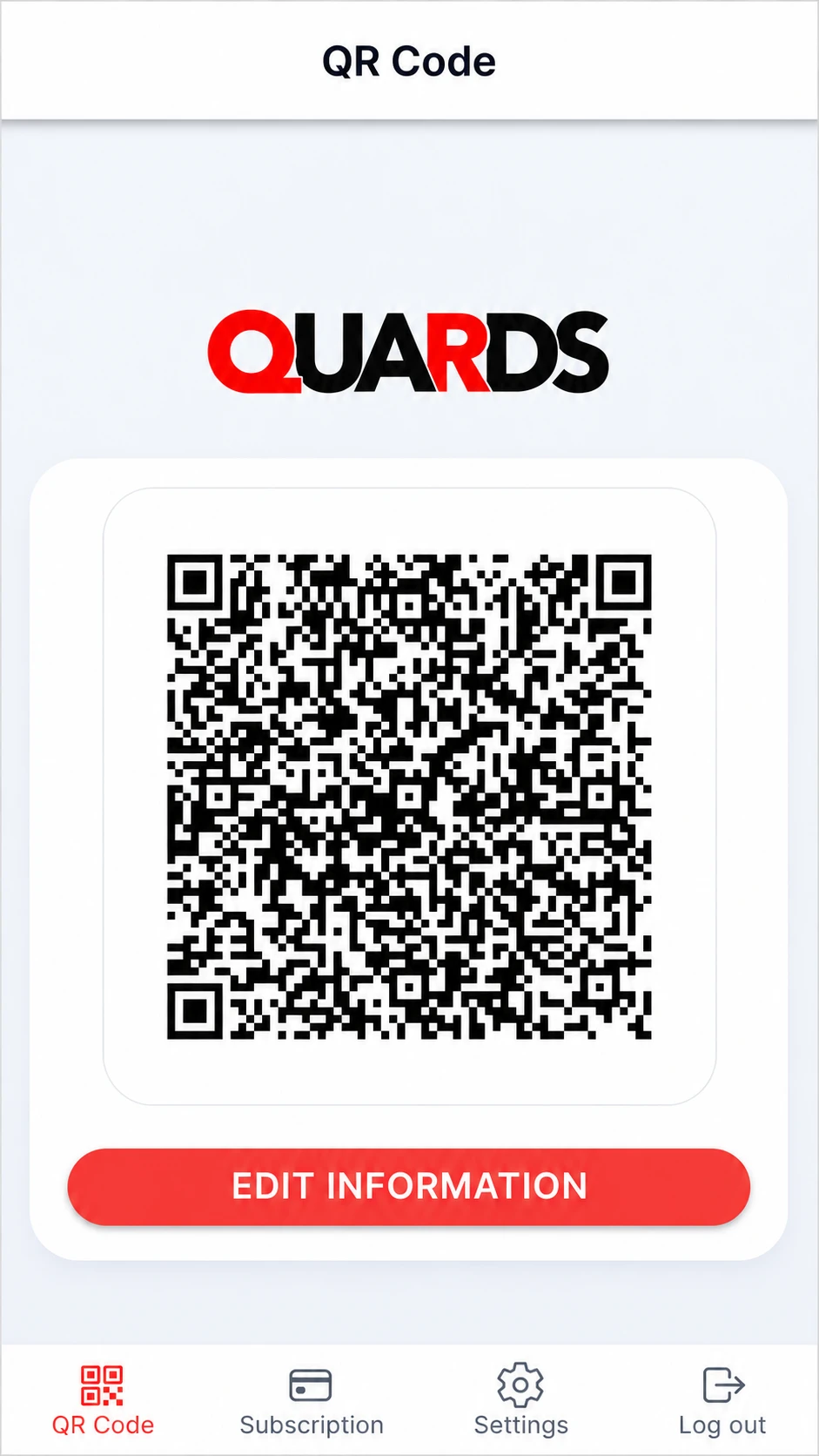
Open QUARDS and choose the card that suits your meeting. Each QR code contains your contact details, so you can present the right side of yourself.


FOUR STEPS. ONE CONNECTION.
QUARDS takes care of the contact details.
You focus on the encounter.
QUARDS
Explore the experience with fictional sample data. No account required.
 It all starts
Open QUARDS and choose the card that suits your meeting. Each QR code contains your contact details, so you can present the right side of yourself.
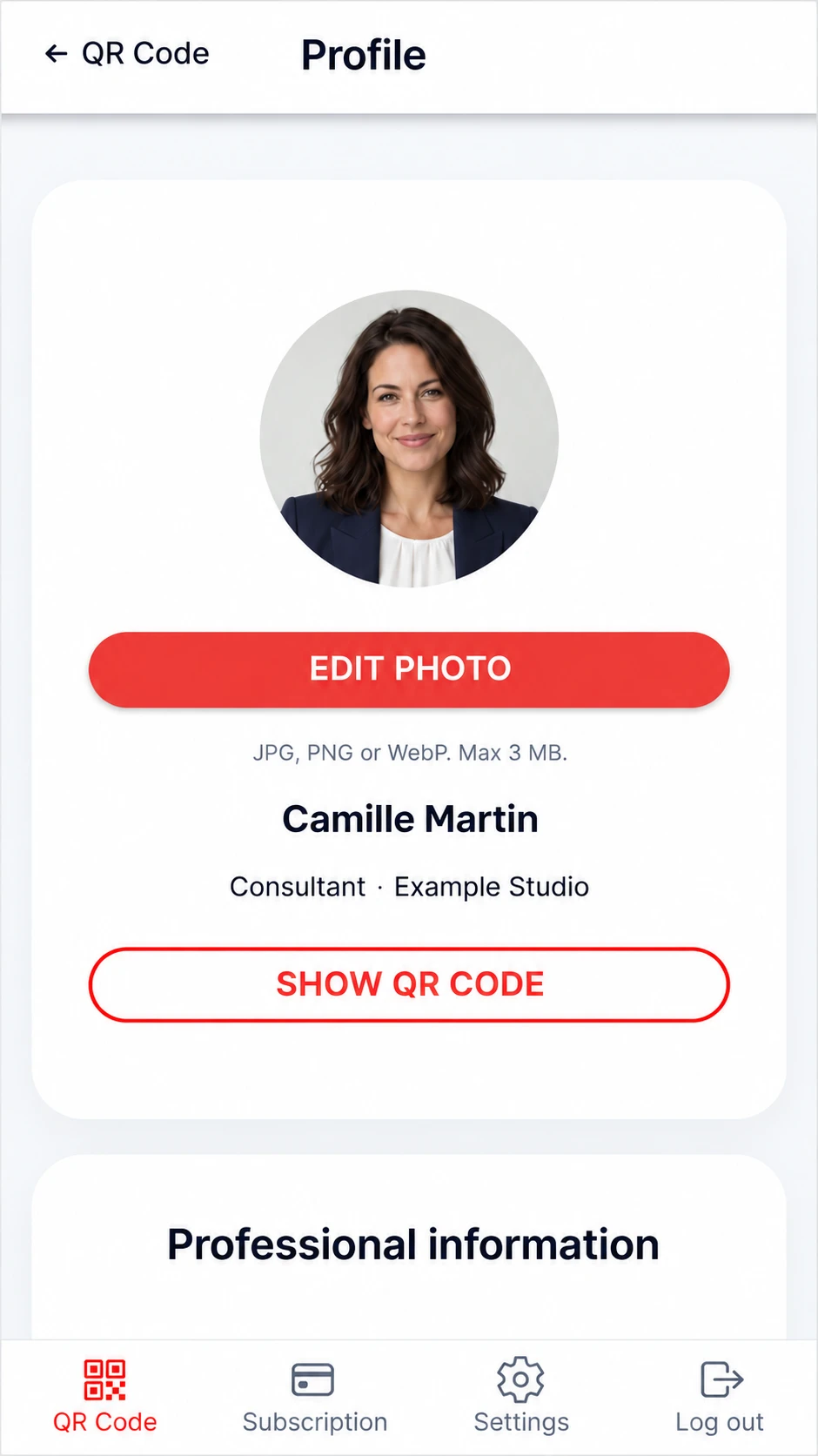
Display your card and simply show your screen. No need to dictate your number or spell out your email address: your contact details are all in one place.
The other person scans the QR code with their smartphone camera to access your shared information. Keep talking while the connection happens.
The other person saves your details to their contacts. Your information is ready for the next conversation and a follow-up to your meeting.
ONE APP. ALL YOUR CONTACTS.
Two plans, the same simplicity: the right details, ready to share at every encounter.
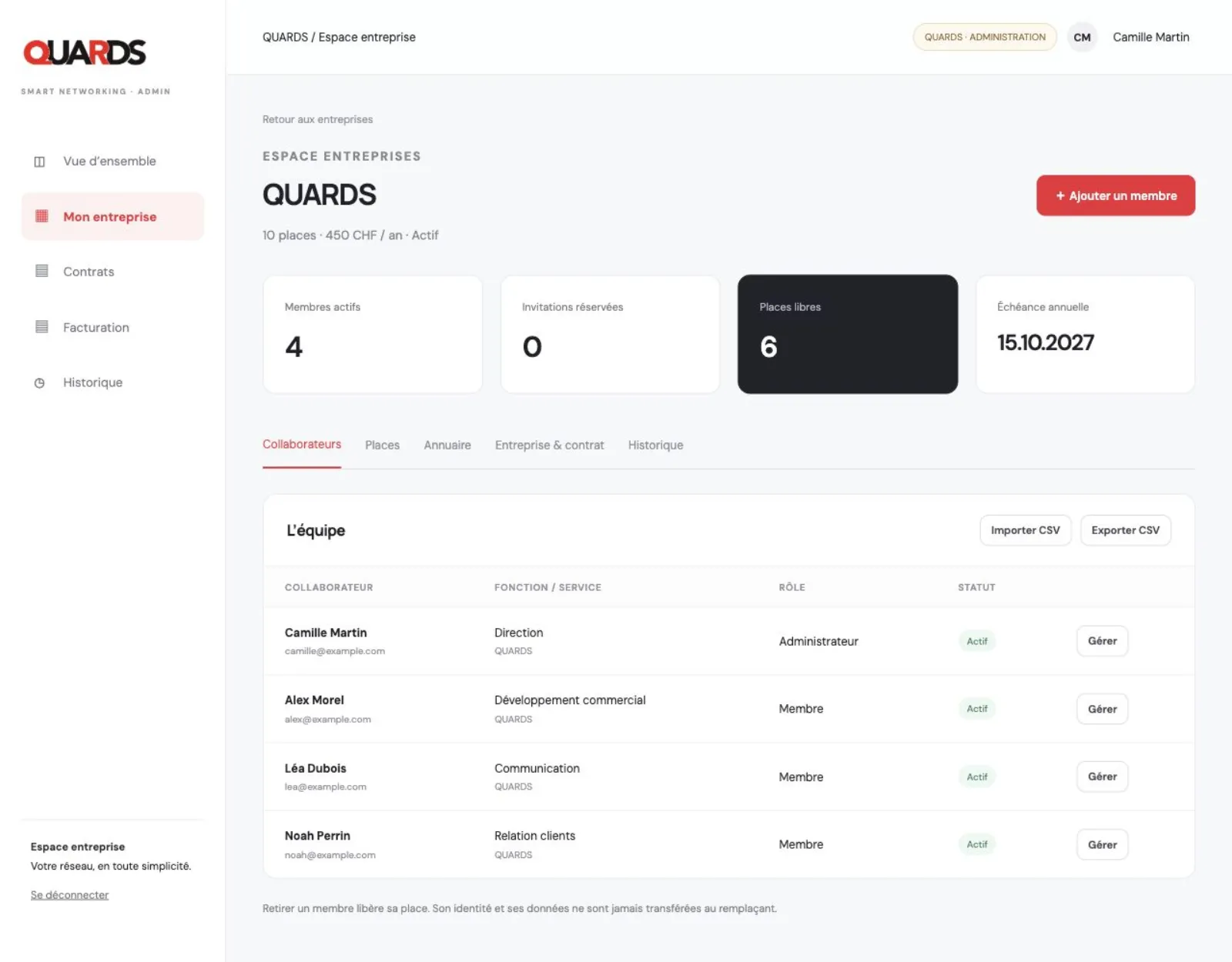
Give every colleague a professional QR code and access to your company directory. When the time is right, share the details of the colleague who can take the conversation further.
Freelancer, entrepreneur or professional: adapt your card to the person you meet. Two separate QR codes let you keep your activities or uses distinct.
Your business.
Your professional contacts.
A different context.
The right details.
Sample cards · Fictitious contact details
Business : one card per member, a shared directory and central management.
Pro : two personal cards, fully customisable.
ONE ANNUAL PLAN. SIMPLE.
One subscription to display and share your QR codes, all year round.
One shared network. A professional card for everyone.
CHF / year
Annual estimate based on the number of seats. The final amount and applicable taxes are specified in the quotation. For more than 50 seats, contact us.
59 CHF / year
Automatic annual renewal. Add-ons require an active QUARDS subscription. The applicable price is confirmed in the app before purchase.
| QUARDS | Paper card | NFC card | |
|---|---|---|---|
| How you share | QR code on your phone | Hand over a printed card | Tap a compatible phone; QR sometimes available |
| What you carry | Your smartphone | Printed cards | A physical card |
| Team management | Directory and dashboard with Business | Managed separately | Depends on the provider |
NFC features vary by provider. QUARDS does not require a separate physical card.
QUARDS
Essential answers to help you choose your plan and share your details with QUARDS.
Enter your information in the app and show your QR code. The other person scans it to access the details you share and save them to their contacts.
Pro includes two customisable QR codes for one person. Business provides one professional QR code per employee, a colleague directory and a company management dashboard.
The annual subscription is CHF 59 for two QR codes. Each additional QR code costs CHF 19 per year, up to twelve cards in total. The price is confirmed in the app before purchase.
Yes. The administrator manages seats from the dashboard and can reassign a seat when someone leaves the team.
They can scan your QR code using their smartphone camera to access your shared information. The QUARDS app is used to create and manage your own cards.
Yes. QUARDS is available on the App Store and Google Play. Download links are available on this website.
Use the website contact form for questions, Business quotes or requests about your data.
No. QUARDS displays your QR code on your smartphone. No physical card or NFC accessory is needed.
The dashboard requires sign-in. Company administrators manage their own workspace; department managers have access limited to their branch. Information shared through a QR code is intended for the people who scan it.
Yes. Company administrators can update active employees’ professional profiles, photos and shared information. Personal cards and sign-in credentials remain separate.
YOUR NEXT ENCOUNTER AWAITS.
Available on the App Store and Google Play.
Contact us